Selecting a mobile casino application requires balancing several technical and practical factors that influence daily use. The comparison below reviews how the 21bitcasino app voor iphone app handles installation, device compatibility, performance, and in-app functionality versus the desktop site. Each section focuses on measurable aspects such as operating system requirements, file sizes, network demands, and interface behaviors so that readers can decide whether the app satisfies their hardware and usage needs.
Hardware and Operating System Prerequisites
Before downloading any casino application, users must confirm that their device satisfies the specified operating system and hardware thresholds. The 21bit Casino app supports Android versions 7.0 and higher and iOS versions 13.0 and above. On Android devices the application demands at least 2 GB of RAM and 150 MB of free storage for the initial package, while iOS devices require 120 MB of free storage and the latest security patches installed. Tablets using these operating systems are also accepted, although the interface adapts to the larger screen without additional configuration. Users with devices below these thresholds will receive an incompatibility notice on the download page and will be redirected to the mobile browser version as an alternative.
Operating system updates can affect compatibility over time. When a major Android or iOS release arrives, the development team checks the app on beta versions and issues an update within two weeks of the official release. Users obtain an in-app notification when a new build is released, and the update can be done directly through the Google Play Store or Apple App Store. For devices that no longer receive vendor updates, the app will carry on to work until a breaking change occurs in a future OS release, at which point the user must either remain on the last compatible version or move to the browser site.
Mobile Interface and Navigation Differences
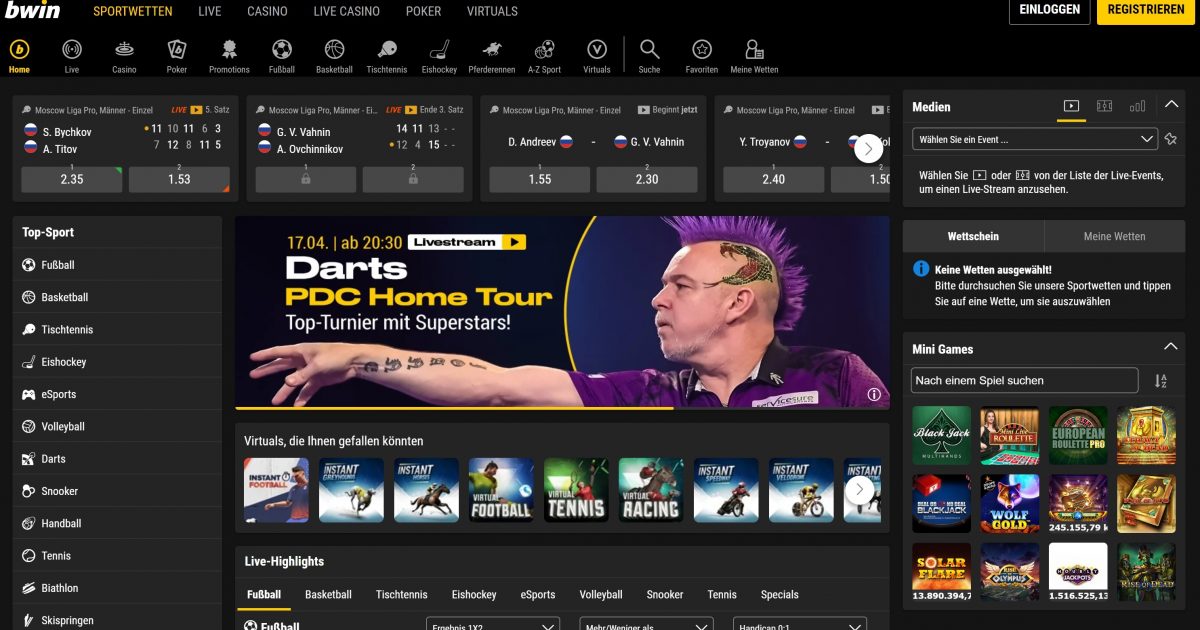
The mobile interface streamlines the desktop layout into a segmented structure that limits scrolling. The bottom navigation bar features five fixed icons: Lobby, Games, Promotions, Account, and Support. Tapping any icon changes the current view without a full page reload, which preserves data usage low. Game thumbnails load progressively, and a search field at the top of the lobby sorts titles by provider or mechanic within 200 milliseconds of typing.
Landscape orientation is available for live dealer tables and certain video slots. When the device turns, the interface transitions to a two-column grid that shows more games per screen while keeping touch targets of at least 9 mm. The desktop site, by comparison, employs hover states and right-click menus that have no direct match on touch screens; the app swaps these with long-press actions and swipe gestures. Users familiar to keyboard shortcuts on desktop must pick up the touch equivalents, but a one-time tutorial appears on first launch and can be replayed from the help menu.
Acquisition Methods and Sideloading Procedures
Official app stores reduce the risk of installing a modified package. On Android the recommended method is the Google Play Store entry under the developer name 21bit Limited. If the store listing is missing in a region, the alternative is to obtain the APK directly from the secure section of the 21bit Casino website. The file carries a SHA-256 checksum that can be verified with the value displayed on the site to validate integrity. After the download finishes, users activate “Install from unknown sources” for the browser or file manager, find the APK, and move forward through the usual installation prompts.
iOS users follow a different route because Apple does not allow direct sideloading of casino applications. The 21bit Casino app is listed in the App Store under the same developer name. If the listing is taken down or postponed in a particular country, the only official alternative is to launch the mobile site in Safari and pin it to the home screen as a progressive web app. This method preserves most interface features while bypassing any need to alter device security settings. Users should avoid third-party sites promoting IPA files, as these packages are not signed and cannot be installed without jailbreaking, which nullifies warranty and subjects the device to additional risks.
Performance Metrics and Data Traffic
Performance testing on a mid-range Android device with a 4G connection reveals an average lobby load time of 1.8 seconds and game launch time of 3.2 seconds. On 5G or Wi-Fi these figures fall to 0.9 seconds and 1.7 seconds respectively. Memory usage levels off at 180 MB after the lobby finishes loading, with brief spikes to 240 MB during live dealer streams. Battery drain reaches 7 percent per hour of continuous play on a 4000 mAh cell, which is equivalent to other graphics-intensive applications.
Data consumption differs by activity. Browsing the game lobby consumes approximately 1.2 MB per minute, while a standard video slot uses up 4.5 MB per minute due to continuous animation and sound assets. Live dealer tables require 6–8 MB per minute because of the video stream. Users can lower data usage by enabling the “Lite graphics” toggle in settings, which diminishes animation quality and cuts consumption by roughly 35 percent. The app also stops background downloads when the device switches to a metered connection, stopping unexpected overage charges.
Install Period and Storage Impact
Install time depends on network speed and device storage type. With a stable 5 GHz Wi-Fi link the Android APK downloads in less than 30 seconds and sets up in around 45 seconds on mid-range hardware. The initial launch initiates an extra 40 MB transfer of graphic files and language files, bringing the overall storage usage to about 190 MB. With iOS the App Store delivers a compressed bundle that grows to around 160 MB post-installation, with an additional 30 MB of on-demand data loaded during the opening session.
Future updates are gradual. An average monthly release includes anywhere from 10 MB and 25 MB of new code and assets while clearing old files, so storage growth stays minimal. Players can purge the cache from within the app settings to recover 30–50 MB without changing account data. If internal storage is limited, the Android version enables moving the application to an SD card, but this can increase loading times by 10–15 percent on older cards with slower write speeds. iOS prohibits expandable storage, so players must monitor available space through the device configuration menu.
Safety Features and Account Settings
Security begins with device-level verification. Both Android and iOS platforms support biometric login through fingerprint or facial recognition, with an optional six-digit PIN alternative. After three unsuccessful attempts the account is temporarily locked and a verification code is dispatched to the registered email or phone number. All data in transit uses TLS 1.3, and sensitive account operations such as withdrawal requests require re-verification even if the session is still active.
Session control includes automatic timeout after 15 minutes of inactivity, configurable in settings. Users can also turn on a “Lock on background” feature that instantly requires biometric re-authentication when the app is minimised. Transaction logs and responsible gambling limits are accessible from the Account tab, enabling players to set daily, weekly, or monthly deposit maximums directly in the interface. These controls match the desktop site but are tailored for smaller screens, with larger touch targets and clearer numeric keypads.
Function Parity and Constraints Versus Desktop
A large portion of account and banking features are identical across platforms. Deposits, withdrawals, and bonus claims follow the same verification workflow, and live chat support is available through the same ticket system. However, some desktop-only tools remain unavailable in the app. Multi-account management, detailed statistical exports, and advanced filtering by volatility or RTP are accessible only through the desktop site. The app prioritizes core gameplay and quick account adjustments as opposed to comprehensive reporting.
Another limitation concerns simultaneous game sessions. The desktop site allows up to four browser windows or tabs running separate games, whereas the app limits users to one active game at a time to conserve memory and maintain stable frame rates. Switching between games requires closing the current title, which adds a few seconds of transition time. For users who like running multiple tables or slots concurrently, the desktop site remains the more flexible option, while the app delivers a streamlined experience for single-session play on mobile networks.